
Find the agents nobody told you about. And tag each with a verifiable ID.
Your inventory is a guess. Discover turns it into a census, and grants every agent it finds a name it can prove.
Nobody filed a ticket to create an agent
An agent is a few lines of code and an API key. A developer builds one on a Thursday, deploys it to a runtime that already existed, and wires it to a data source it already had credentials for. No procurement, no review, no diagram, and no reason for anyone to have told you. The population accumulated without a design, and the three people who answer for it feel it differently.
“I answer for what the company’s agents do, and that covers a set nobody can list. The ones I approved are in it. So are the ones nobody brought to me.”
“I cannot assess what I cannot enumerate. The count I am given is the count somebody remembered to mention, and no policy produces the real one.”
“My agent is already somebody else’s shadow IT, and the first person to ask will ask during an incident.”
It inventories resources. An agent is a behavior assembled from several — a runtime, a model endpoint, tool credentials, a retrieval source. Your CSPM sees every part and still has no row for the agent, because the agent was never registered as an object.
Then you have the declared population. The gap between what is declared and what is running is the whole problem, and a register is made of declarations. Only something that looks at the running systems can measure it.
Either way you hold a list — a hostname and no principal, true on the Tuesday it ran. What all three need is a census, with an identity attached to every row.
Every agent it finds gets a name it can prove
Plenty of scanners find undeclared agents; that part is table stakes. Discover attests what it finds. A cloud or Kubernetes workload takes a SPIFFE X.509 identity of its own — one per agent class, one per running instance — with a trust score attached to that identity. An attested agent is addressable: it can be named in a policy, scored by Diamond with no endpoint or wrapper, monitored, and cut off. Every agent also carries a card, written when it is found rather than when somebody asks. Purpose, constraints, capabilities: the artifact a review wants and nobody has time to write under pressure.
The registry, as the auditor opens it
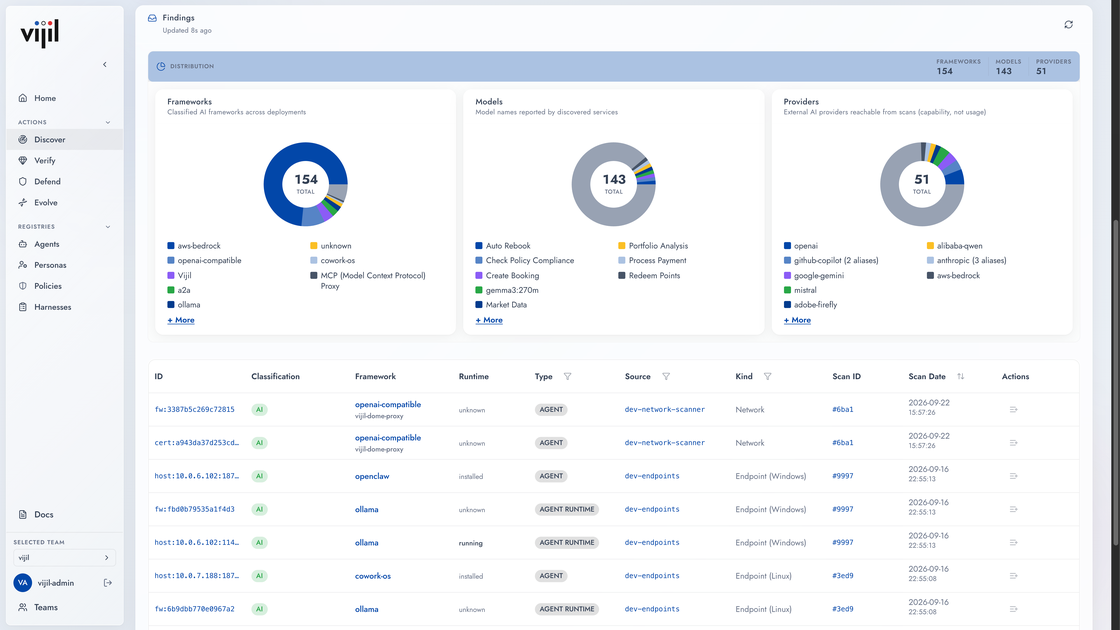
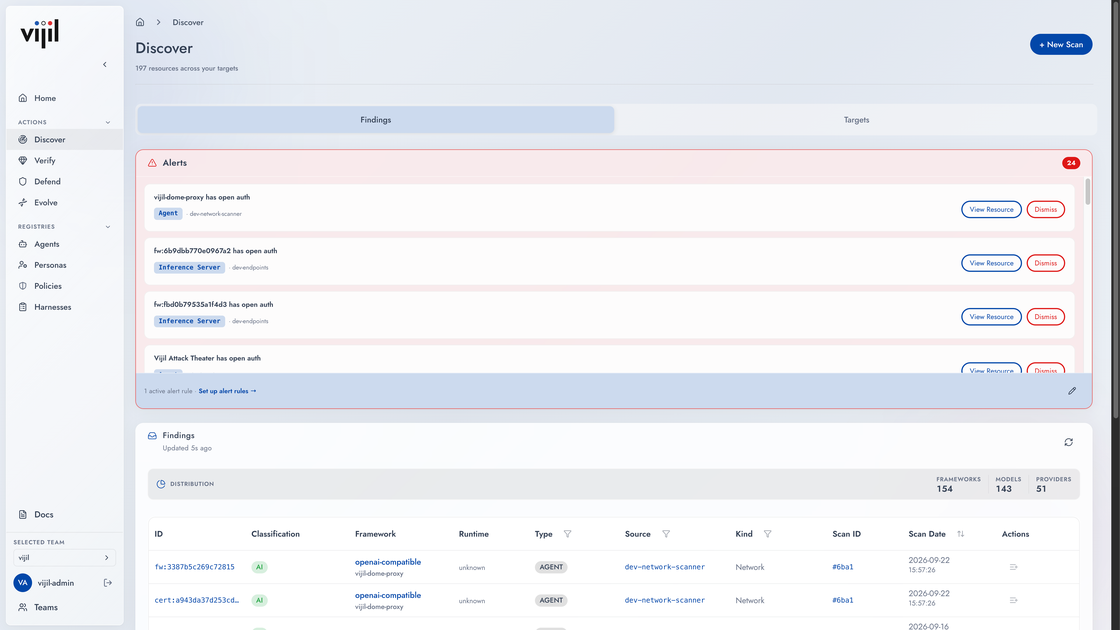
A census is only useful if somebody reads it. The rows are the record; the alerts are what makes it a control.
First, because everything after it needs a name to hold on to
Three ways in
We publish no list price because there is no meter to read from. Finding agents is free at any scale and stays free. The paid tier is a deployment inside your own network, with no agent count and no token bill. Every tier is on the pricing page.
- Register your agent to give it a SPIFFE identity
- Attach a trust score to the agent identity
- Minimize the time to compliance with appsec and GRC regs
- Every GitHub org and cloud account, scanned as often as you like
- An agent card per agent, with the evidence that found it
- Recent history rather than a year of it, and no export
- Nothing is metered by how much you can see — only by how long you can keep the records.
- Your own VPC, on-premises, or air-gapped
- Every surface, including what a hosted scan cannot reach
- Attested identity, and policy over the population
- The registry stays inside your network
Rows on the first run, identities on the second
- Scan a cloud account or a GitHub org
Read-only API access, nothing installed. This is the fastest way to see rows, and it is where most people start — no change window, no ticket.
- Add the hosts where the agents actually are
The laptops. Installers for macOS, Windows and Linux, plus a browser extension. Agents pull their schedule; nothing reaches inward, so your firewall does not move.
- Attest what you are keeping
A cloud or Kubernetes workload takes an identity of its own, and that identity is what policy, scoring and runtime control key off. An endpoint reports through an attested node agent, so its rows carry provenance even where the agent itself holds no SVID yet.
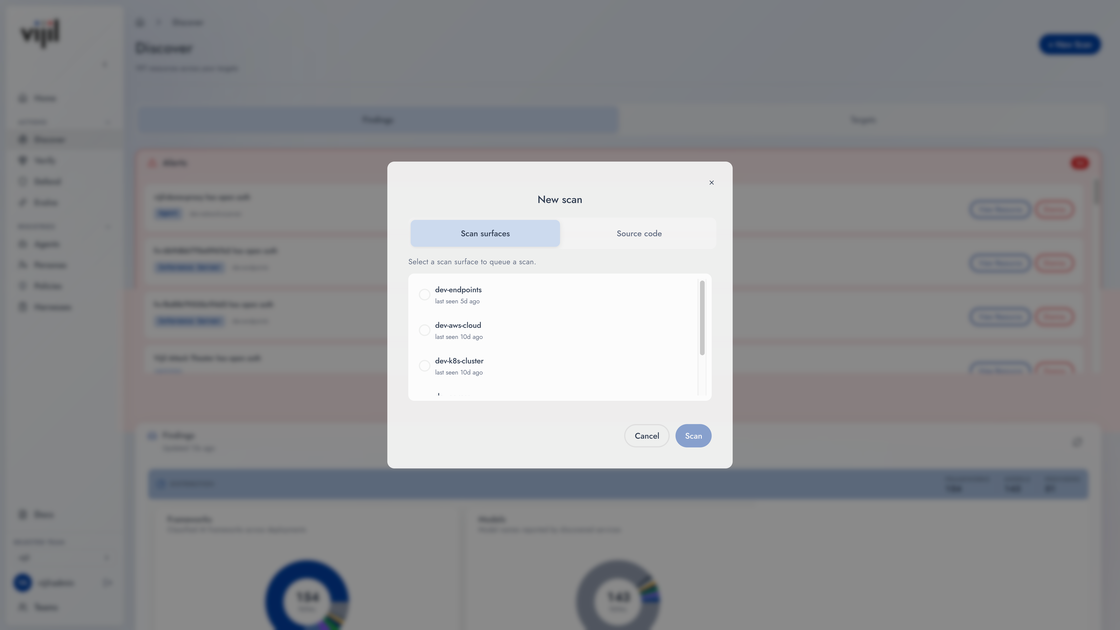
One org is enough to see the shape of it. vijil register github.com/acme/agent moves a single agent from found to attested.
One row per agent, and one for what it could not reach
What it is, where it runs, and whether it carries an attested identity. Discover fingerprints the binary rather than the category, so a row names a tool instead of saying “an AI assistant”.
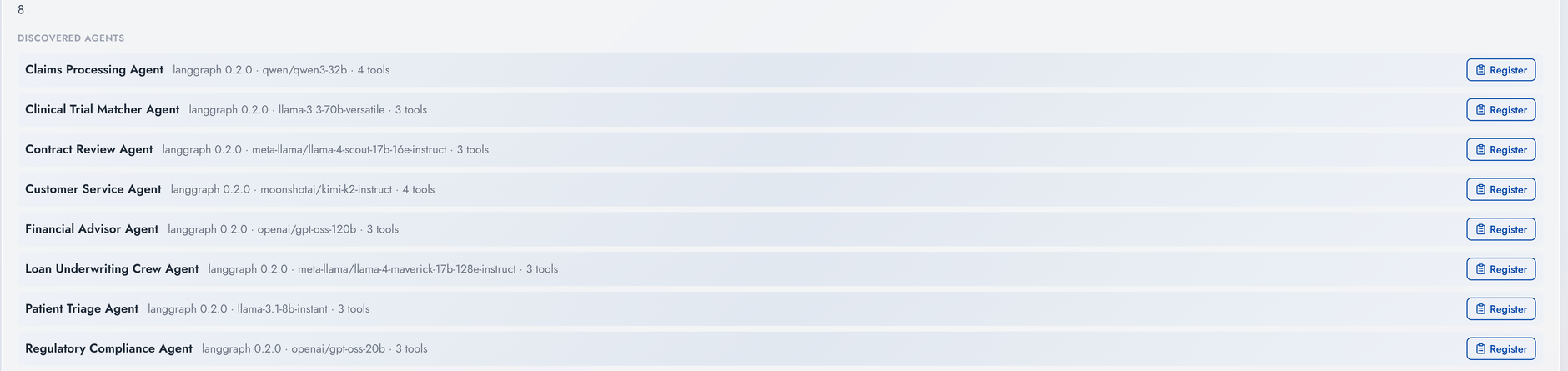
A segment nobody reached is reported as a row carrying the reason. A coverage report that omits what it missed is a number wearing the clothes of evidence.
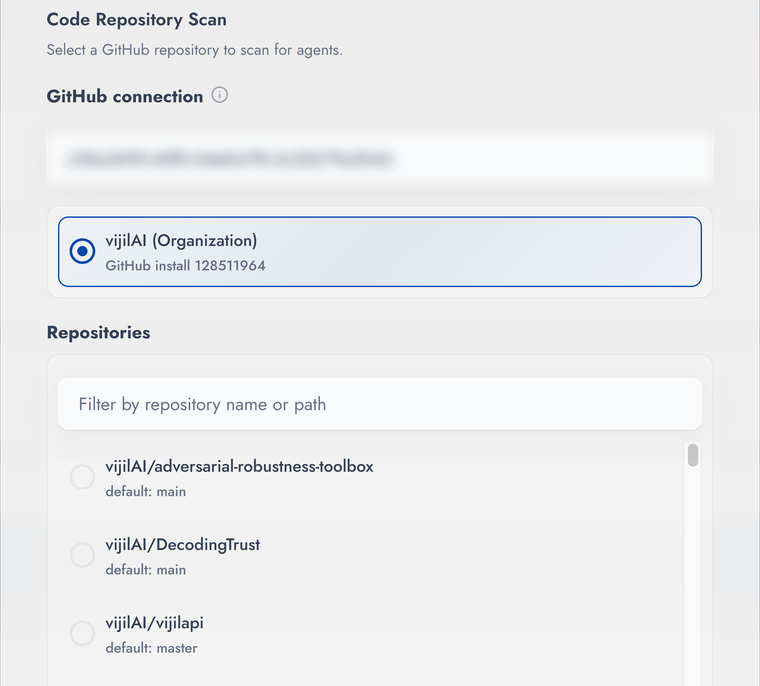
Scan one GitHub repository
Pick the one you would have guessed was tidy. The agents it turns up are usually the interesting part.